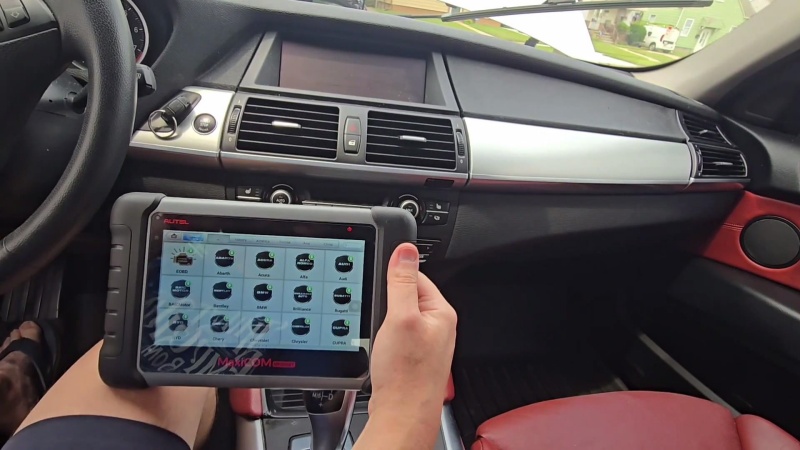
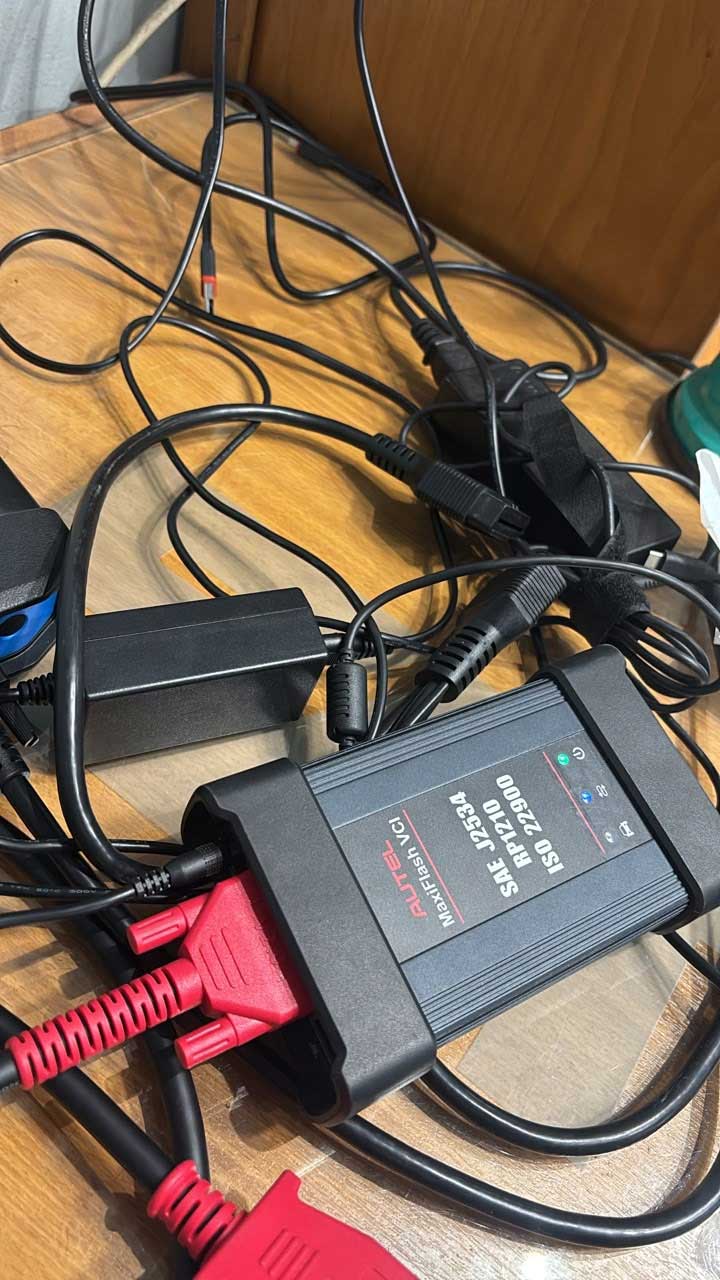
Autel Ultra, Ultra S2 & Ultra EV Review: A Dubai Technician’s Take
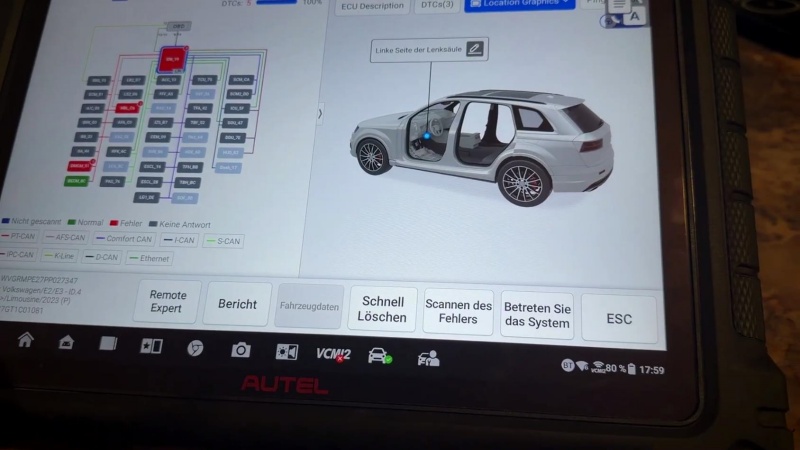
I work on a wide mix of vehicles in Dubai, including newer models and increasingly more Chinese vehicles. For me, a diagnostic tool needs to do more than read fault codes. The Autel Maxisys Ultra, Ultra S2, and Autel Ultra EV offer advanced diagnostics, ECU coding, guided functions, and electrical testing. My take: they’re capable … Read more Autel Ultra, Ultra S2 & Ultra EV Review: A Dubai Technician’s Take
Autel MaxiCheck MX900 Review: What I Liked, What I Didn’t

After using the Autel MaxiCheck MX900 for general diagnostic work, I think it is a practical choice for independent shops and mobile techs. It is not an advanced programming platform, but for everyday diagnostics and newer vehicles, it covers the work I would expect from a scanner in this class. Who Should Buy It? The … Read more Autel MaxiCheck MX900 Review: What I Liked, What I Didn’t

Autel PS100 vs. Power Probe 4 Review: Is It a Good Alternative?

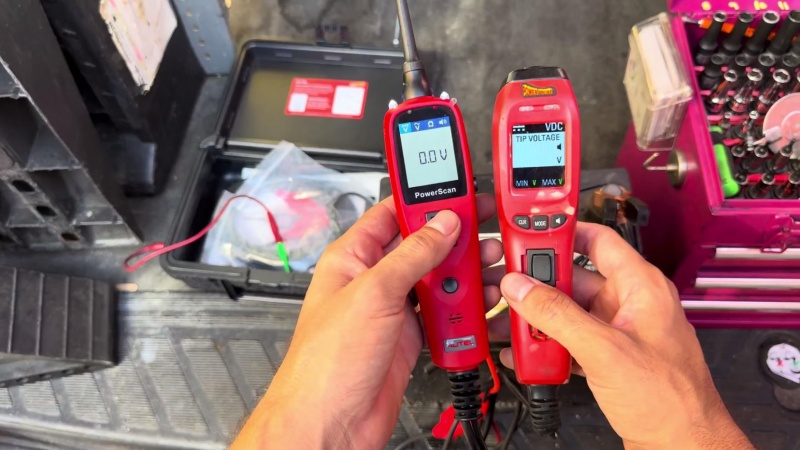
I’d been using the Power Probe 4 since 2020, and it was one of my go-to tools. Then it started showing some seriously bad voltage readings — 11.4V in reality, 24–30V on the screen. At $350–$400, and with me barely using its extra functions, I figured I’d give the roughly $90 Autel PowerScan PS100 a … Read more Autel PS100 vs. Power Probe 4 Review: Is It a Good Alternative?

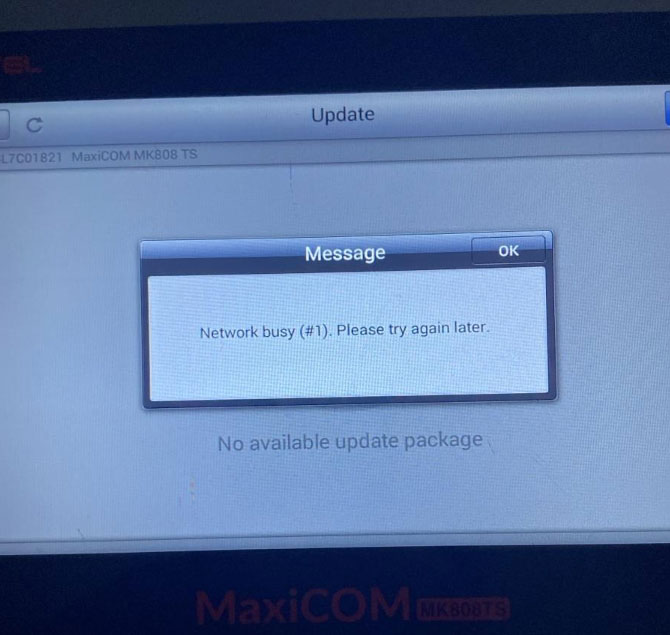
How to Fix “Network Busy (#1)” Error on Autel MK808S-TS?

Problem: A user reported that the Autel MaxiCOM MK808S-TS displayed the following error: “Network busy(#1). Please try again later.” Answer: This issue can be addressed by checking the Wi-Fi DNS settings, switching to another network, and uploading the Maxitools log for further analysis if the problem persists. Solution 1. Modify the Network Settings Go to … Read more How to Fix “Network Busy (#1)” Error on Autel MK808S-TS?

Autel MK808S Review: What It Can & Can’t Do in a Real Shop

I’ve been running an independent repair shop for years, and I’ve used plenty of diagnostic tools along the way. After using the Autel MaxiCOM MK808S in the shop, I’d say it’s a very practical choice for DIYers and independent shops on a budget, as long as you understand that ECU coding, advanced IMMO work, and … Read more Autel MK808S Review: What It Can & Can’t Do in a Real Shop

Autel MaxiCOM MK808S Review: Is a €339 Diagnostic Tool Worth It?

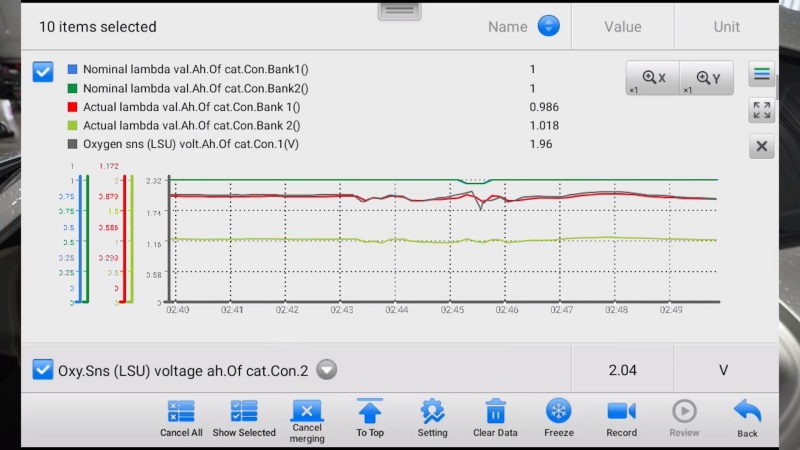
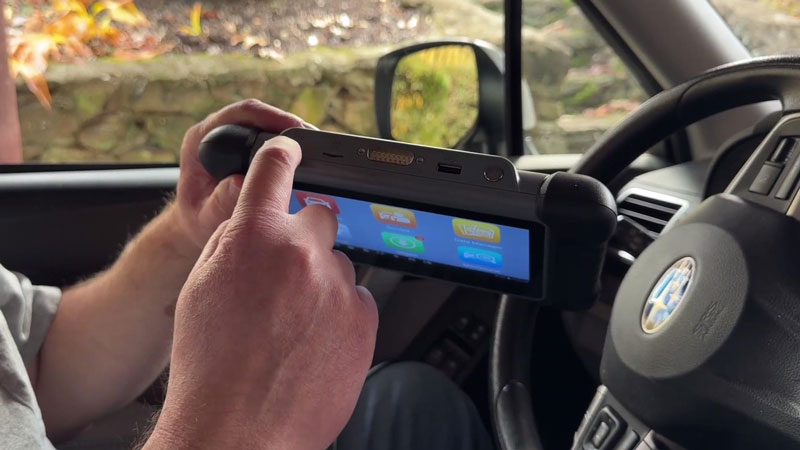
After testing the Autel MaxiCOM MK808S on a 2016 Subaru Forester, I found it to be a strong mid-range diagnostic scanner for users who need more than basic code reading. It delivers full-system diagnostics, live data, active tests, and plenty of service functions at a price point that makes sense for DIY users and small … Read more Autel MaxiCOM MK808S Review: Is a €339 Diagnostic Tool Worth It?

Autel MaxiScope MP608 Manual: Specs, Download & Installation Guide

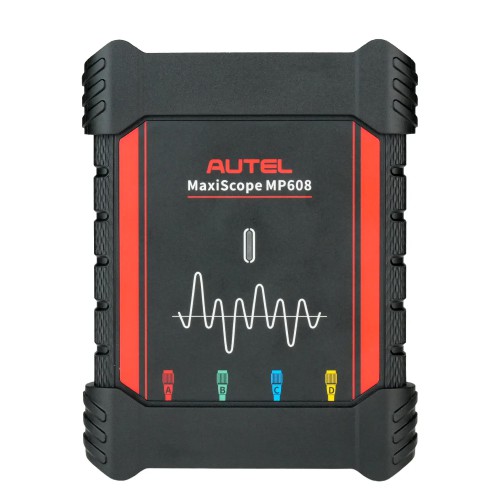
The Autel MaxiScope MP608 is a 4-channel automotive oscilloscope designed to connect with compatible Autel MaxiSys tablets or Windows PCs through a USB cable. It is used for vehicle electrical signal testing and waveform analysis, featuring 12-bit vertical resolution, 20MHz bandwidth, up to 80MS/s single-channel sampling rate, and ±1% accuracy. Main Functions Four-Channel Oscilloscope Testing … Read more Autel MaxiScope MP608 Manual: Specs, Download & Installation Guide

How to Use Autel MaxiScope MP608: Setup, Connection & Update Guide

The Autel MaxiScope MP608 is a portable 4-channel automotive oscilloscope designed to work with compatible Autel MaxiSys tablets for waveform testing and electrical signal diagnosis. It connects through USB and supports functions such as 12-bit vertical resolution, one-click setup, CAN FD, and FlexRay testing. This guide explains how to connect the Autel MP608, open the … Read more How to Use Autel MaxiScope MP608: Setup, Connection & Update Guide

How to Register a BMW X5/X6 Battery with Autel MK808Z-BT?

Battery replacement is only half the job. Once the new battery is installed, register it with the Autel MaxiCOM MK808Z-BT before returning the vehicle to service. The following procedure was carried out on a BMW X5/X6. Register the Battery Replacement Turn the ignition ON with the engine OFF. On the Autel MK808Z-BT, navigate to: IMMO … Read more How to Register a BMW X5/X6 Battery with Autel MK808Z-BT?

Fix Autel Elite II Pro 0V Voltage & ECU Communication Failure

An Autel Elite II Pro displayed 0V vehicle voltage, stopped automatic VIN detection, and could not communicate with any ECU. A factory reset of the Elite II Pro tablet resolved the issue. Resolution Perform a factory reset on the Elite II Pro tablet. The device returns to normal operation. If the issue persists after the … Read more Fix Autel Elite II Pro 0V Voltage & ECU Communication Failure