After using the Autel MaxiCheck MX900 for general diagnostic work, I think it is a practical choice for independent shops and mobile techs.
It is not an advanced programming platform, but for everyday diagnostics and newer vehicles, it covers the work I would expect from a scanner in this class.
Who Should Buy It?
The Autel MX900 is a good fit for independent shops, mobile techs, and DIY users who mainly need everyday diagnostics, service functions, and support for newer vehicles.
If you need advanced ECU programming, coding, or wireless VCI operation, I’d look at a higher-end Autel platform instead.
Real Workshop Notes
Newer Protocol Support Matters
The MX900 supports a wide range of vehicle communication protocols, including DoIP and CAN FD, along with ISO, CAN, K-Line, J1850, TP2.0, and other protocols.
For me, this is more useful than having a long list of rarely used functions. Broader protocol support gives the scanner a better chance of staying useful as newer vehicles come into the shop.
Everyday Diagnostics Are Straightforward
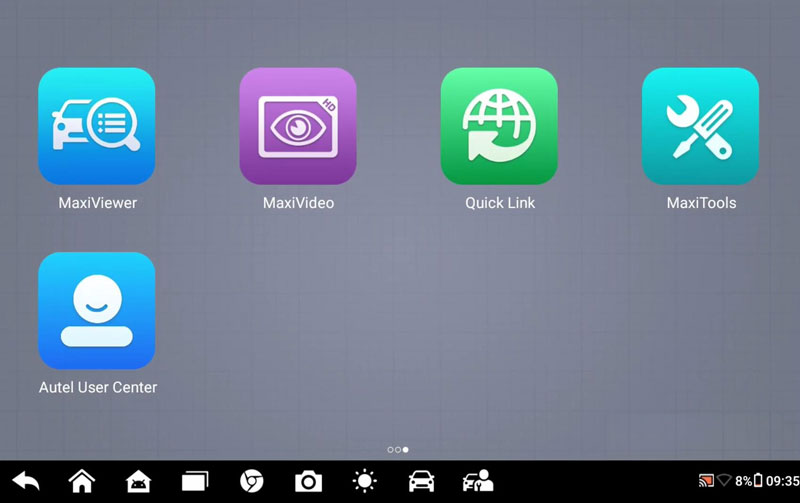
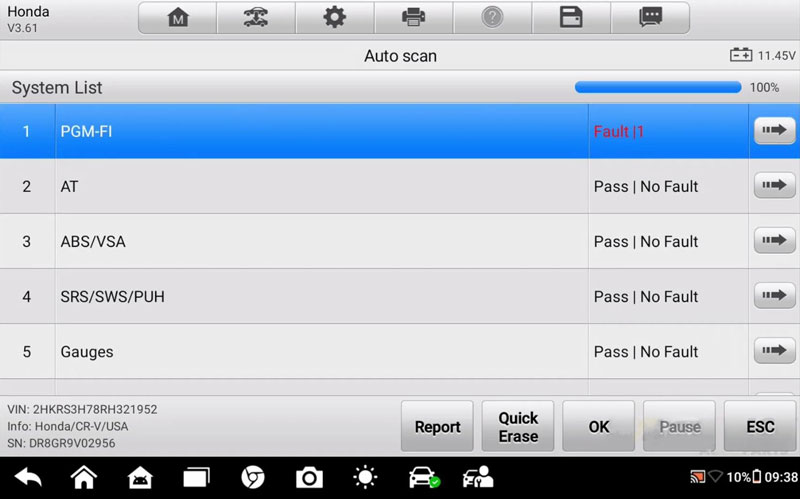
The basic workflow is quick: automatic VIN detection, vehicle voltage display, and full-system AutoScan.
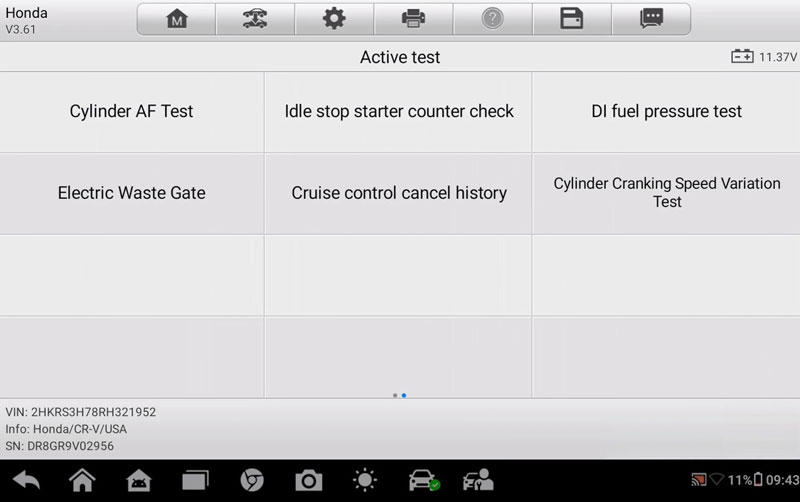
From there, I can move into individual modules, codes, live data, freeze-frame information, and active tests.
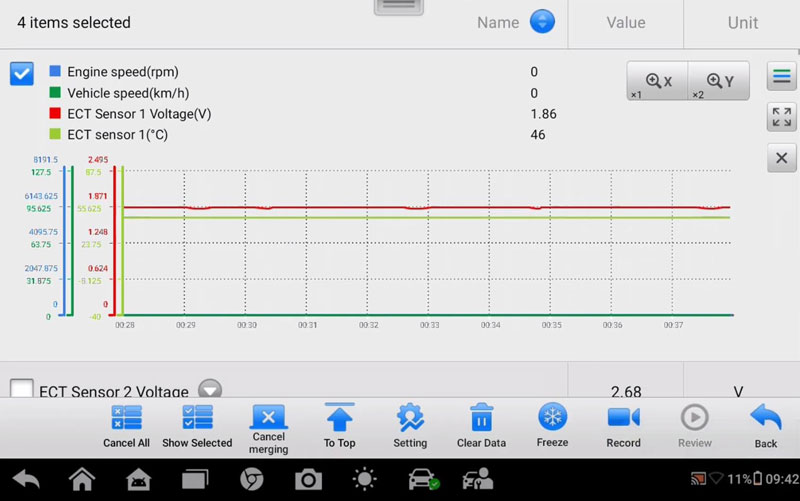
Live data can be graphed, recorded, and adjusted for easier viewing.
My takeaway: it handles normal diagnostic work without making the workflow complicated.
Wired, but Easy to Live With
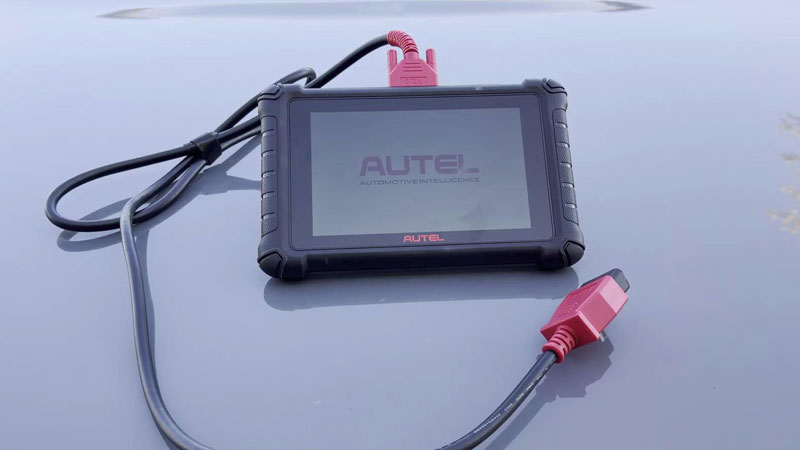
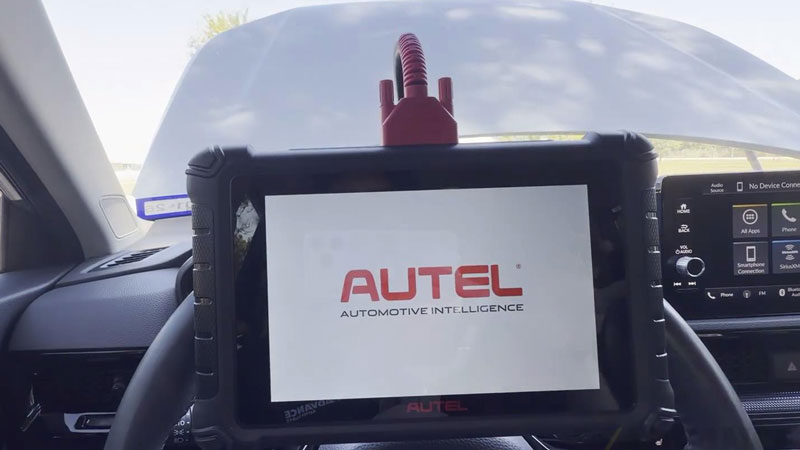
The MX900 is completely wired.
That’s the main downside if you prefer walking around the vehicle with a wireless VCI.
On the other hand, there’s no VCI battery to charge. If the scanner has been sitting unused, I can plug it in and start working.
The 8-inch screen is also a good size for live data without making the tablet too bulky. The built-in stand is useful when working beside the vehicle.
Gateway Access Has Limits
The MX900 can bypass security gateway restrictions on supported Mercedes, Stellantis, and Nissan vehicles.
In practical terms, this gives access to supported diagnostic operations such as reading and clearing codes and performing active tests.
But this should not be confused with advanced programming or coding.
For module flashing, configuration changes, or control-unit replacement and programming, a higher-end tool such as the MK908 PRO II, Elite II Pro, or Ultra series is still needed, depending on the vehicle and operation.
The Extra Functions Are Secondary
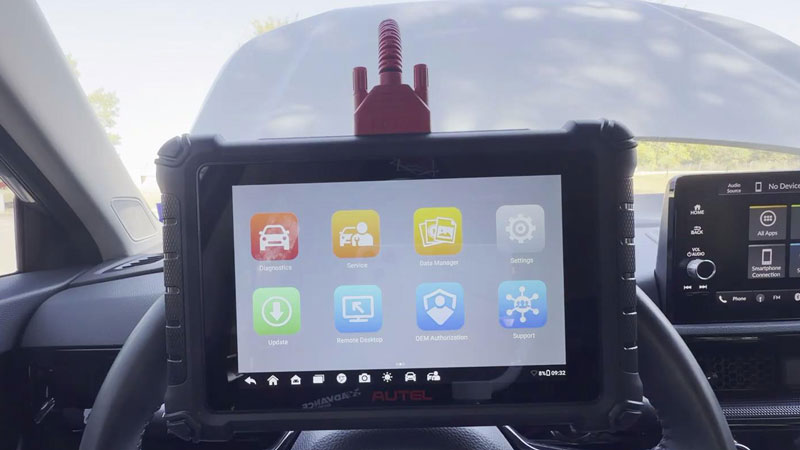
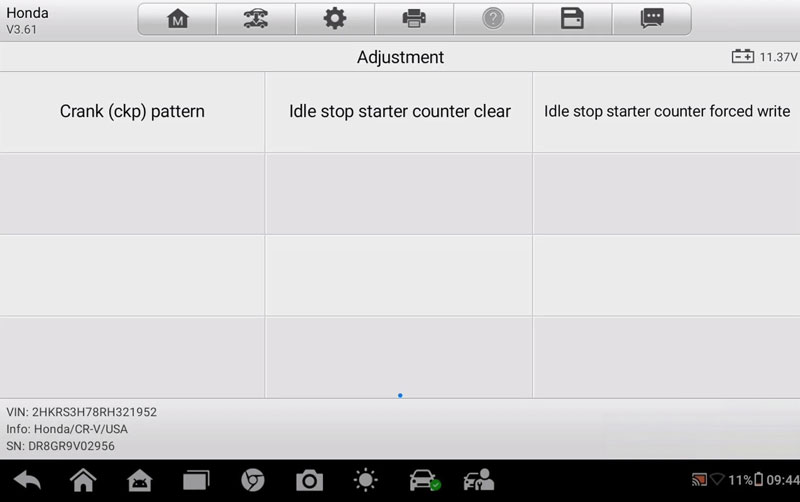
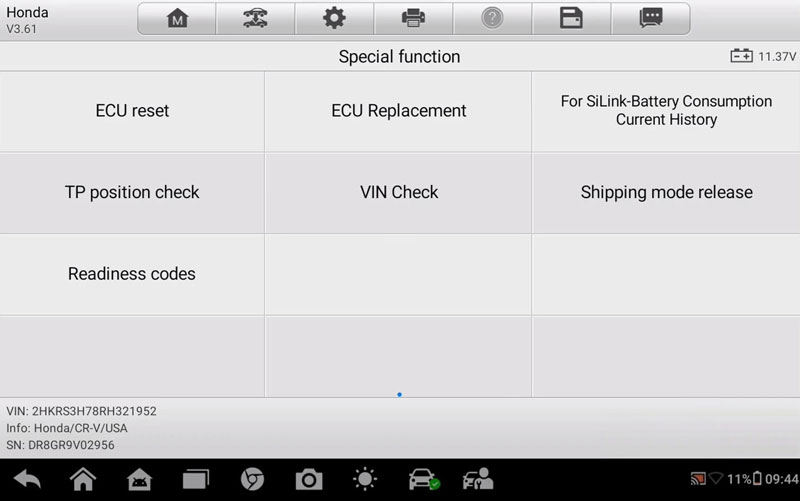
The MX900 also includes Active Tests, Adjustments, Special Functions, and MaxiVideo MV108S support.
The tested vehicle had functions such as crank pattern and idle-stop starter counter operations.
I see these as useful extras rather than the main reason to buy the tool. Available functions will vary by vehicle and module.
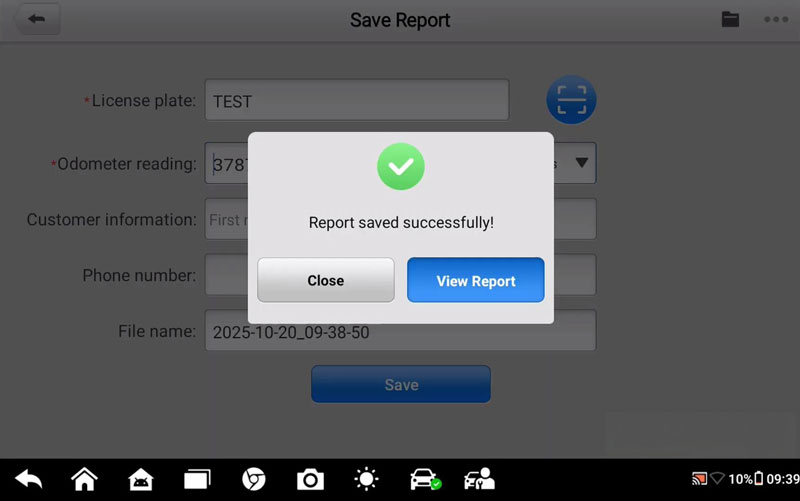
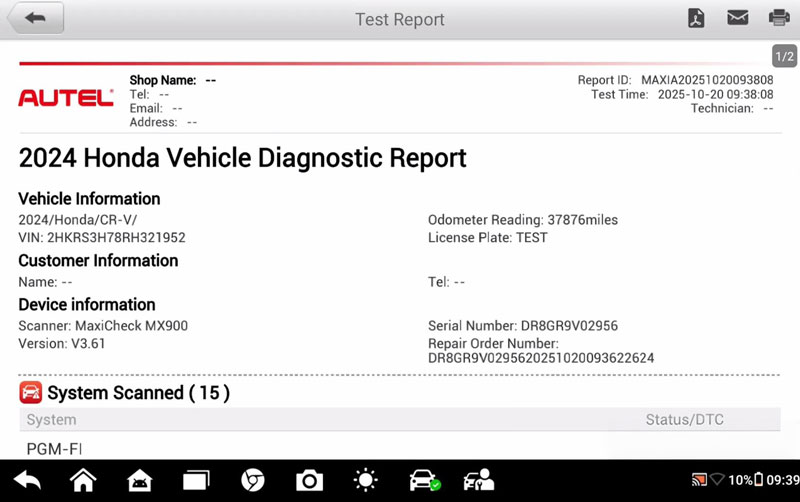
The reporting function is more directly useful in a shop. Scan results can be saved as PDF, emailed, or printed, with customer and vehicle information added to the report.
The Main Trade-Offs
What works for me:
- Newer protocol support
- Simple diagnostic workflow
- Useful live-data and active-test functions
- 8-inch display
- No wireless VCI battery to maintain
- Practical diagnostic reports
Things to consider:
- No wireless VCI
- Advanced programming is outside its main purpose
- Functions vary by vehicle
- The quoted subscription cost is $165 per year
Would I Buy It Again?
Yes, I would recommend the Autel MX900 for general diagnostic work.
The combination of newer protocol support, straightforward diagnostics, an 8-inch screen, and useful service functions makes it a practical everyday scanner.
I would recommend stepping up to a higher-end Autel platform if advanced programming and coding are part of the job. For normal shop diagnostics, though, the MX900 is a tool I would be comfortable putting into my own workflow.
Contact Info:
Email: sales@AutelShop.de
Wechat: +86-13429866263
Whatsapp: +86-13429866263
www.autelshop.de