I used the Autel MaxiIM KM100 to successfully add a smart key for 2026 Kia Sportage when all keys lost. The KM100 gave clear prompts and made the key programming quick and straightforward.
Start the All Keys Lost Procedure
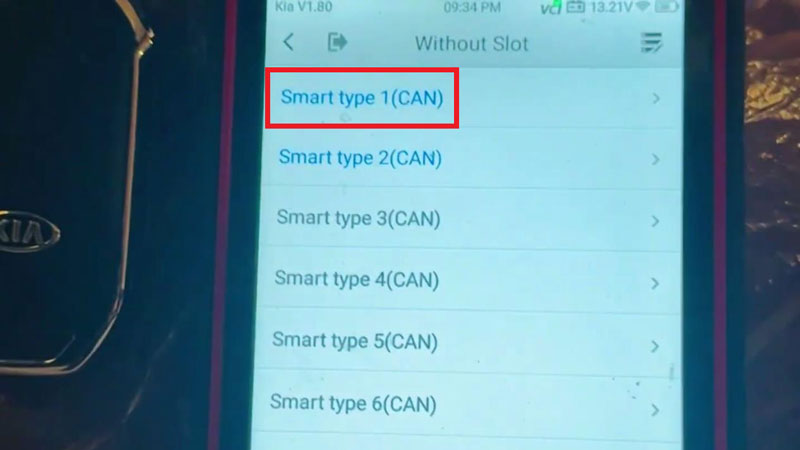
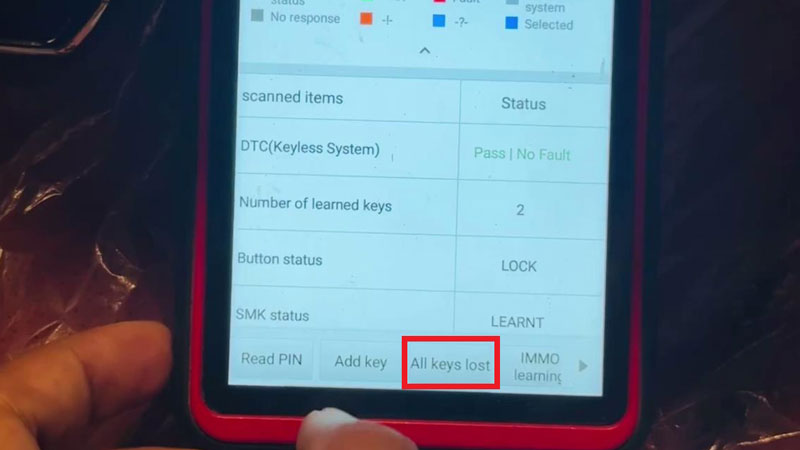
- Select the vehicle model and open Smart Type 1 (CAN) >> IMMO Status Scan >> All Keys Lost >> Start.
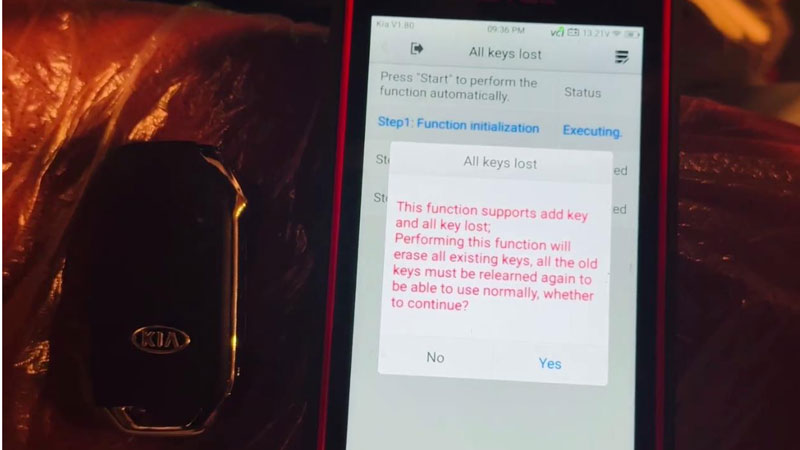
- The function supports Add Key and All Keys Lost. A warning appears that all existing keys will be erased. Press Yes to continue. The old keys must be relearned before they can be used again.
- Turn the ignition off. The instrument screen goes black. Open and close the driver door once.
Confirm the Security Code
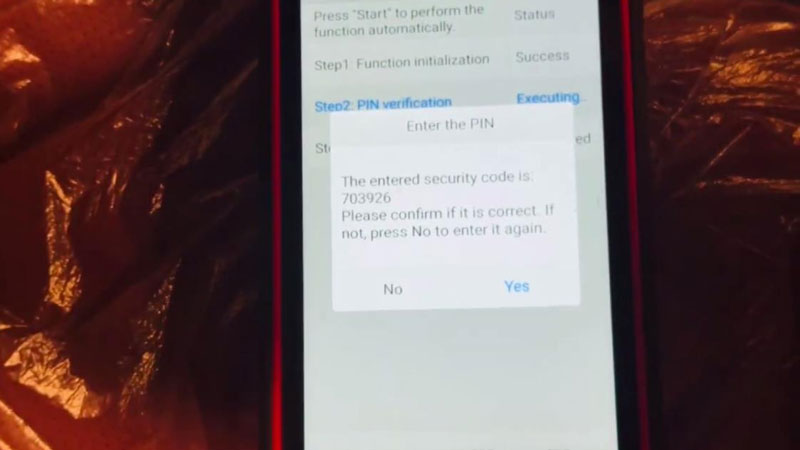
- The system displays the security code 703926. Check the code and press Yes if it is correct. If not, press No and enter it again.
- Confirm the key sensing area. On this vehicle, it is the ignition switch. On some modules, the sensing area can be elsewhere, such as the cup holder.
Program the Smart Key
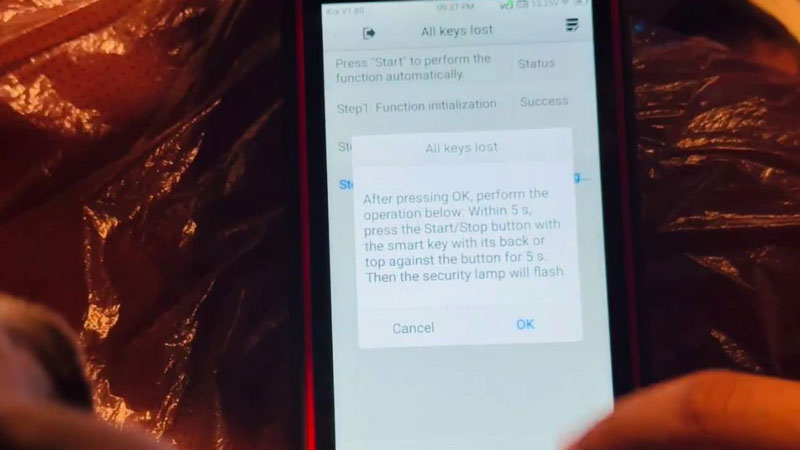
- On the Autel KM100, press OK to continue.
- Within 5 seconds, place the back or top of the smart key against the Start/Stop button. Hold it there for 5 seconds.
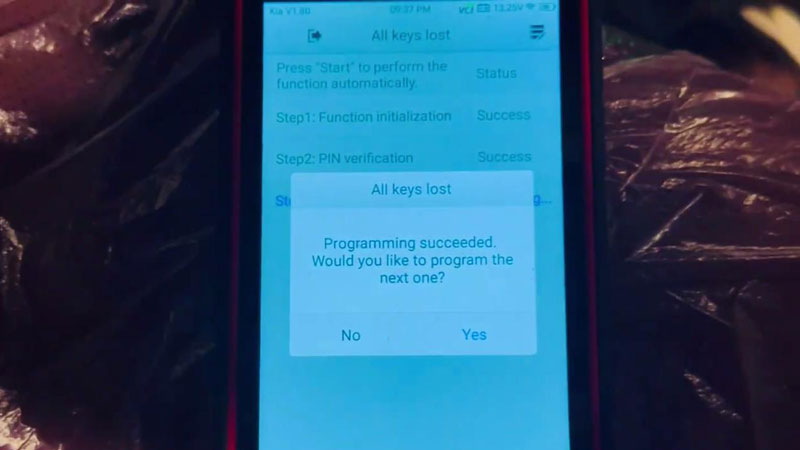
- The security lamp flashes to indicate successful programming. Select No when asked to program another key. The system then shows Number of current keys: 1.
Verify the Key
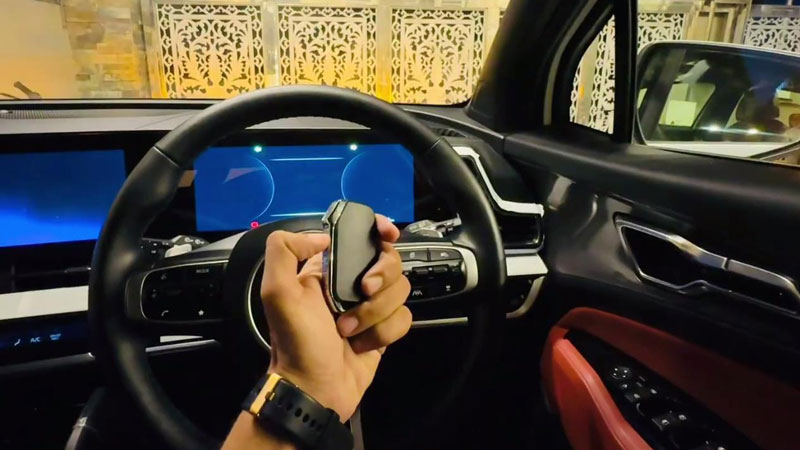
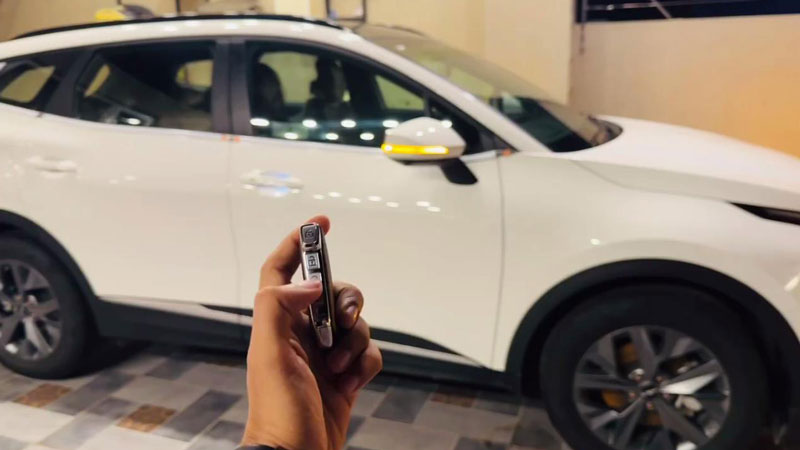
Exit to the vehicle selection menu and check the programmed key. Start the vehicle and make sure the basic functions work normally.
Contact Info:
Email: sales@AutelShop.de
Wechat: +86-13429866263
Whatsapp: +86-13429866263
www.autelshop.de