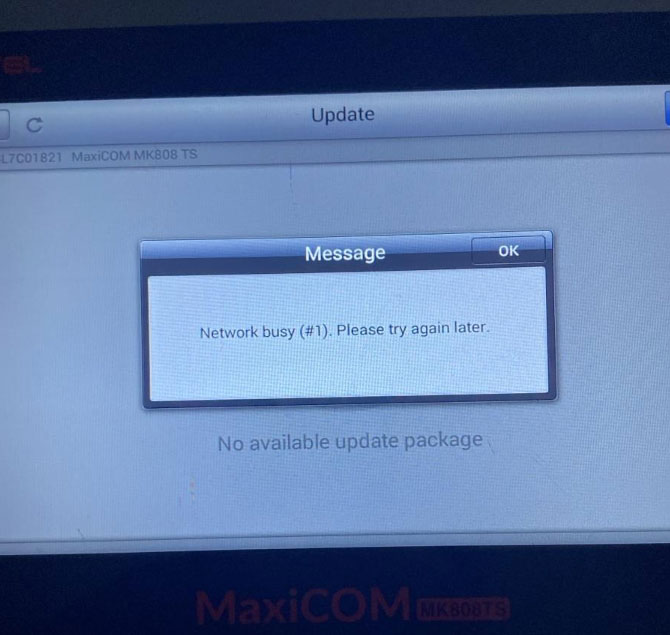
Problem: A user reported that the Autel MaxiCOM MK808S-TS displayed the following error:
“Network busy(#1). Please try again later.”
Answer: This issue can be addressed by checking the Wi-Fi DNS settings, switching to another network, and uploading the Maxitools log for further analysis if the problem persists.
Solution
1. Modify the Network Settings
- Go to Settings → System Settings → Network & Internet.
- Long-press the current Wi-Fi network and select Modify network. Set: DNS1: 8.8.8.8 / DNS2: 8.8.4.4
- Keep the IP address and gateway within the local network segment.
2. Restart and Test Another Network
Restart the Autel MK808S-TS, connect it to a different network, such as a mobile hotspot, and check again.
3. Upload the Maxitools Log
If the issue occurs again, upload the Maxitools log for further analysis.
Read also:
Technical Support:
Email: sales@AutelShop.de
Wechat: +86-13429866263
Whatsapp: +86-13429866263
www.autelshop.de