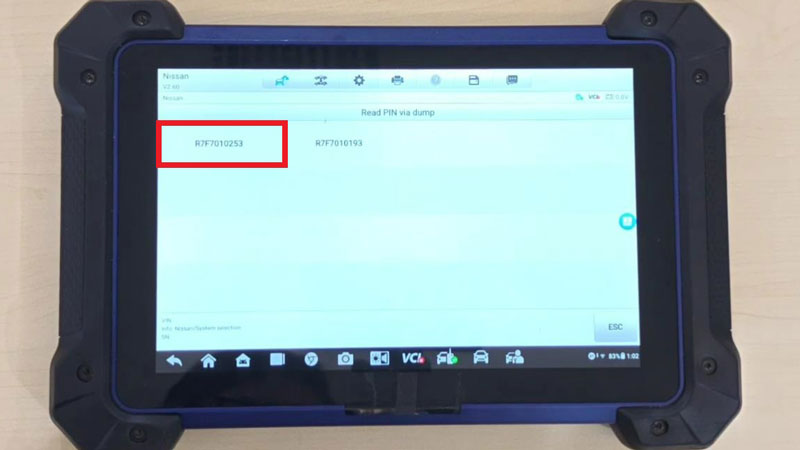
Efficiently extract Nissan security PINs using the Autel IM508S or IM608 II. This procedure utilizes the XP400 PRO programmer and APB131 adapter to perform a “Read PIN via Dump” on the Hands-Free Module (HFM). It provides a reliable solution for decoding RH850 chip data (such as R7F7010253) when OBDII access is unavailable.
Required Tools
- Diagnostic Tablet: MaxiIM IM508S or IM608 PRO2.
- Programmer: XP400 PRO Programmer.
- Adapter: APB131 Adapter.
- Cables: Original cable adapter (to be connected to the HFM).
- Power: 12V DC power adapter.
Check Video Tutorial:
Step-by-Step Operation
1. System Selection
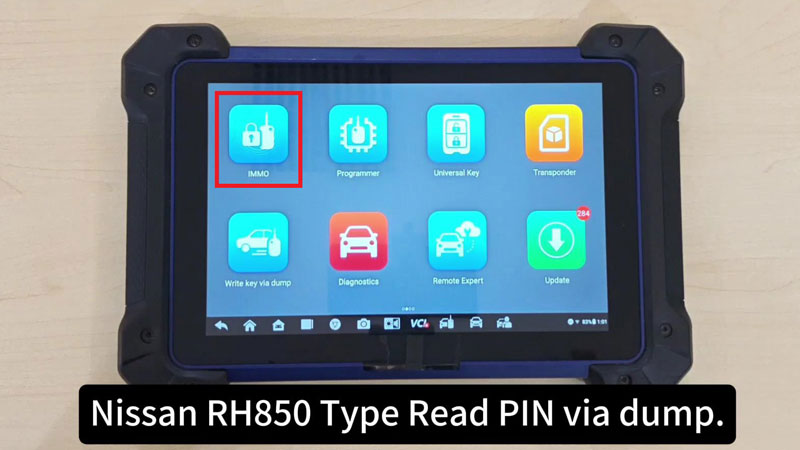
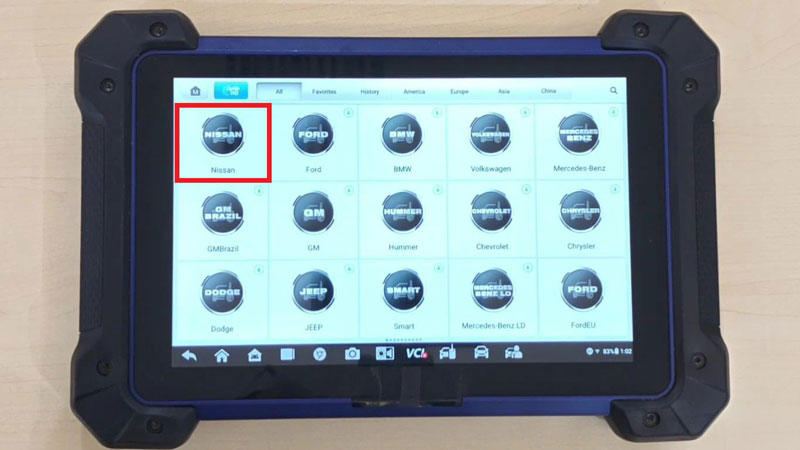
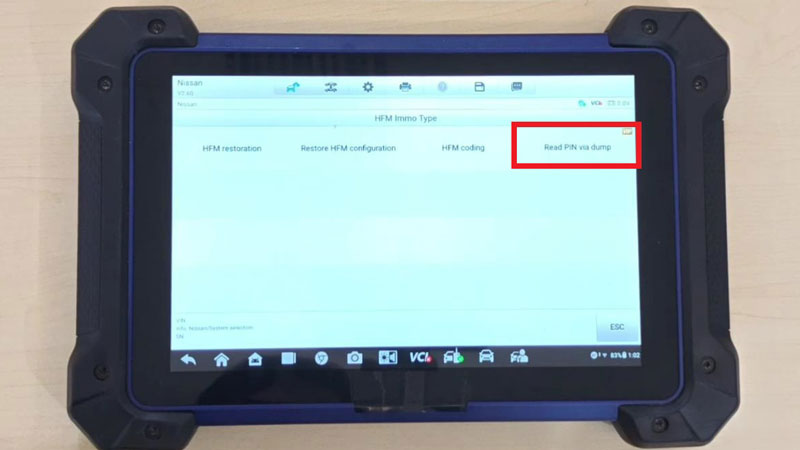
Access the tablet menu via the following path:
IMMO > Nissan > System Selection > HFM Immo Type > Read PIN via dump.
2. Hardware Preparation
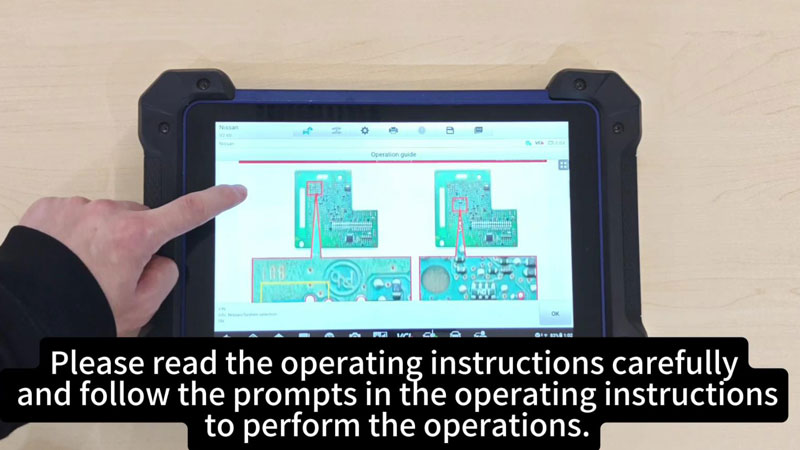
- Disassembly: Remove the Hands-Free Module (HFM) from the vehicle and disassemble it to access the internal board.
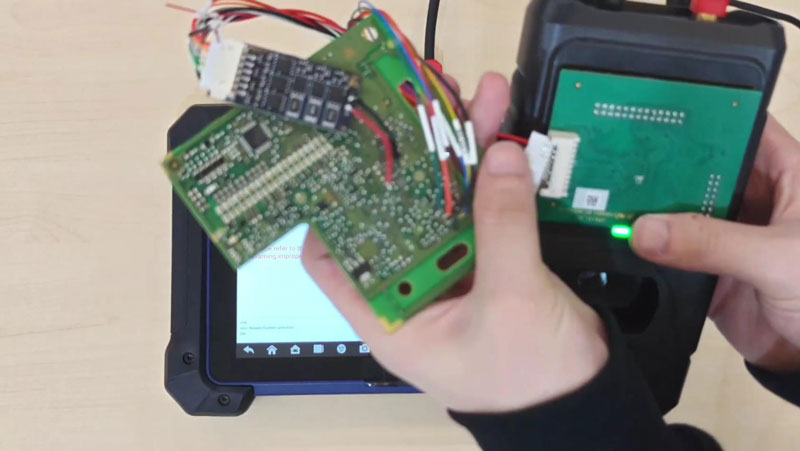
- Connection: Plug the original cable adapter into the Hands-Free Module (HFM).
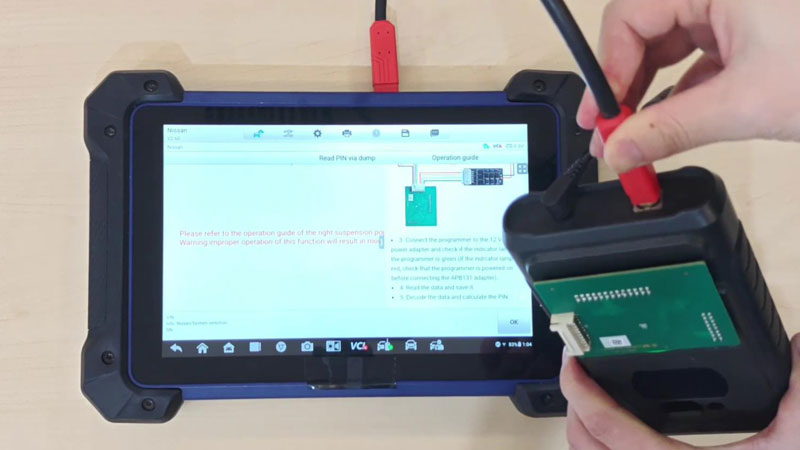
- Integration: Connect the HFM (via the cable) to the APB131 adapter, then connect the APB131 to the XP400 PRO Programmer.
- Power Check: Connect the 12V DC power to the programmer. Ensure the indicator lamp is Green. If it is Red, verify power before reconnecting the APB131.
3. Data Extraction (Dump)
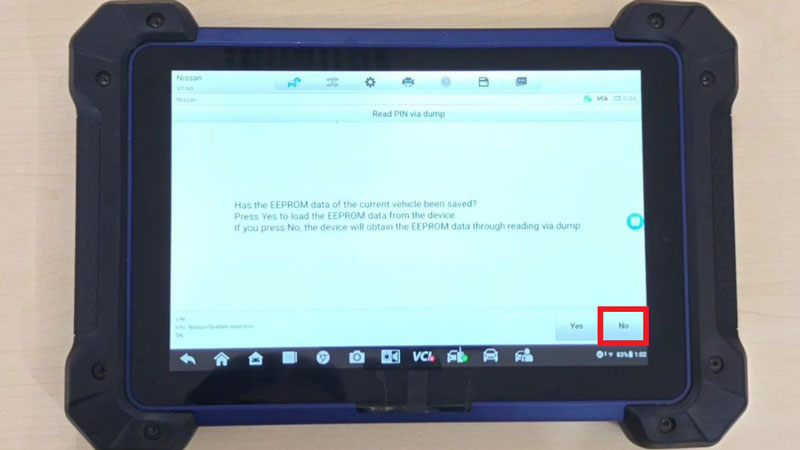
- Initialization: The device will ask if EEPROM data is already saved. Select No to perform a new read via dump for the RH850 chip (e.g., R7F7010253).
- Risk Warning: Follow the pop-up operation guide strictly. Improper handling may result in module damage.
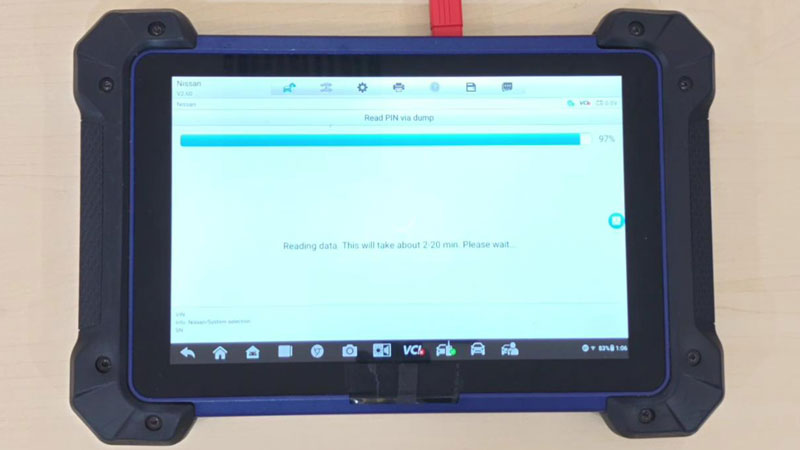
- Reading: The data reading process takes 2 to 20 minutes. Maintain stable power during this window.
4. PIN Calculation
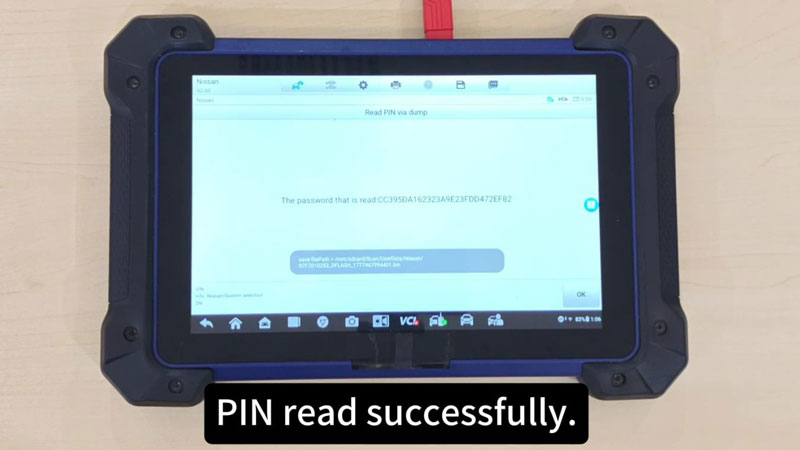
- Save Data: Once the reading is complete, save the EEPROM data file to your device.
- Decoding: The Autel system will automatically decode the saved dump file and calculate the vehicle PIN.
- Completion: The screen will display “PIN read successfully” once the calculation is finished.
Contact Info:
Email: sales@AutelShop.de
Wechat: +86-13429866263
Whatsapp: +86-13429866263
Website: www.autelshop.de