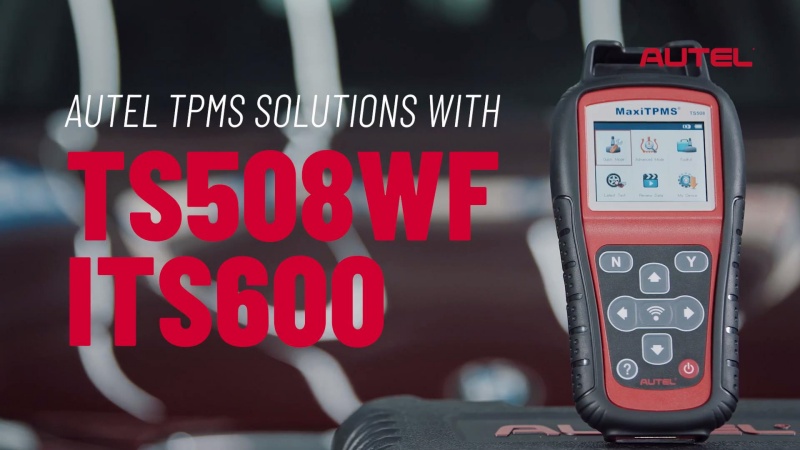
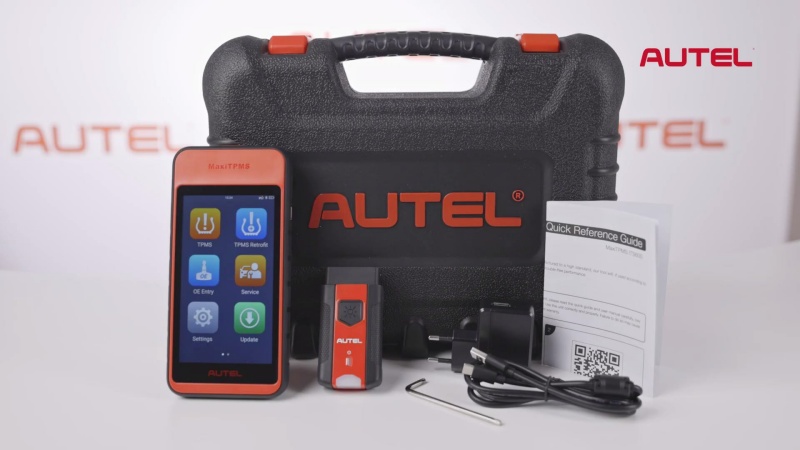
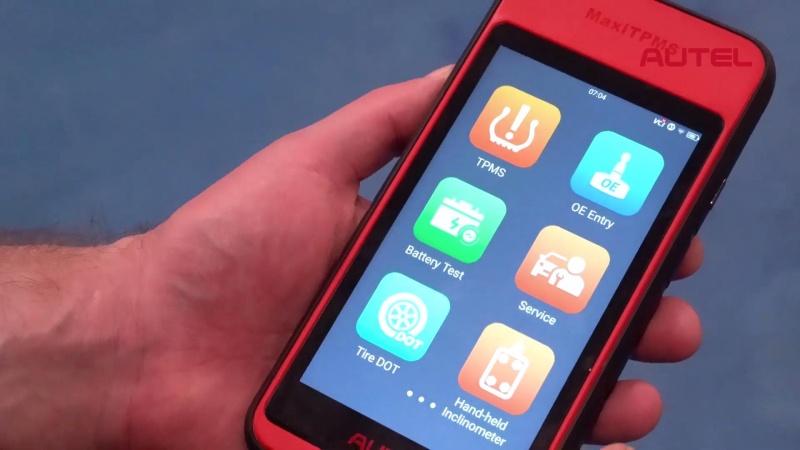
Autel TPMS solutions, featuring the TS508WF and ITS600E, streamline tire service by providing consistent, professional-grade diagnostics. From the Wi-Fi-enabled TS508WF entry-level tool to the advanced ITS600 with Bluetooth sensor support and secure gateway access, Autel simplifies sensor programming and OBD2 relearns for over 170 vehicle brands.
Core Product Comparison
| Feature | Autel TS508WF (Entry-Level) | Autel ITS600 (Professional) |
|---|---|---|
| Interface | 2.8″ Color Screen & Buttons | 5.5″ Color Touchscreen |
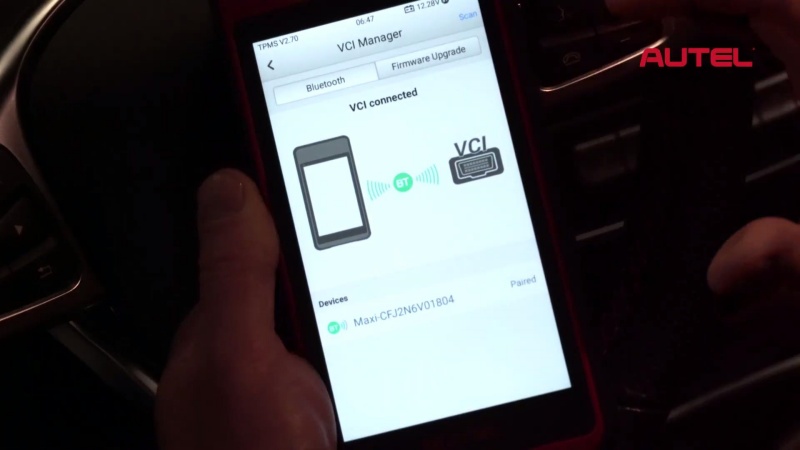
| Connectivity | Wi-Fi Updates | V200 VCI (Wireless Bluetooth) |
| VIN ID | Manual Selection | Auto VIN Scan |
| Specialty | Reads all brands & 433MHz | Supports Bluetooth sensors |
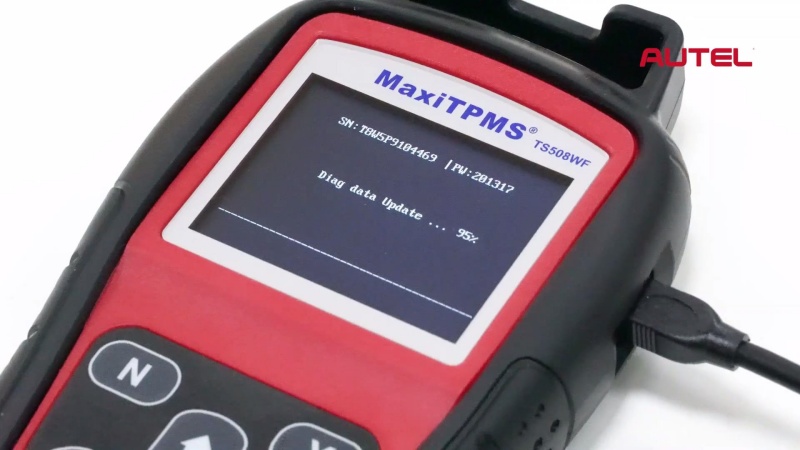
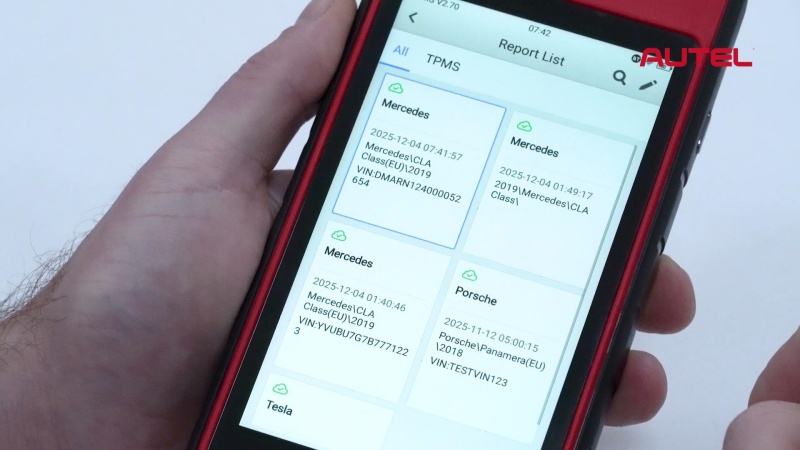
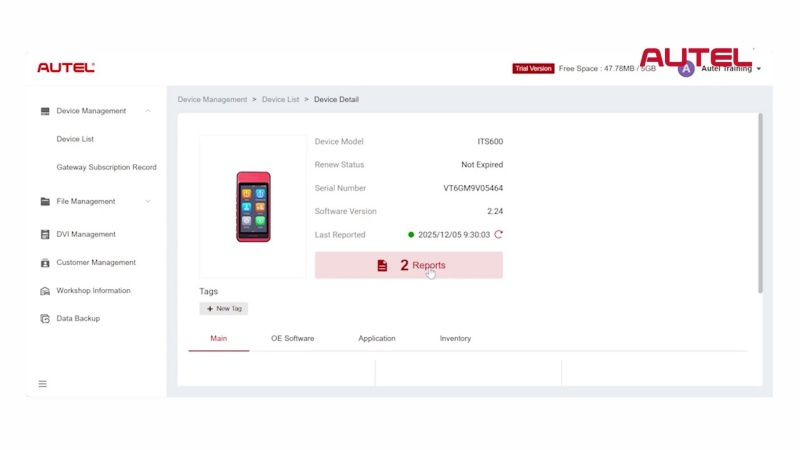
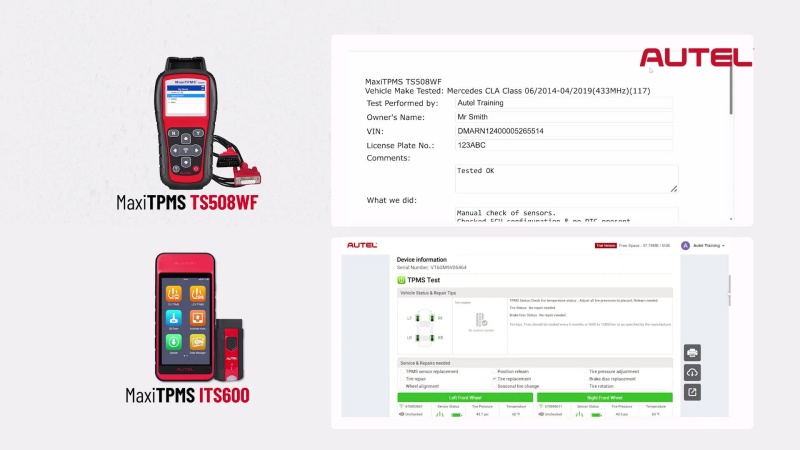
| Reporting | PC Connection via USB | Direct Autel Cloud Upload |
Step-by-Step Service Workflow
1. Diagnostics & Inspection
- Select Vehicle: Choose the make, model, and year (TS508WF) or use Auto VIN (ITS600) to ensure correct communication protocols.
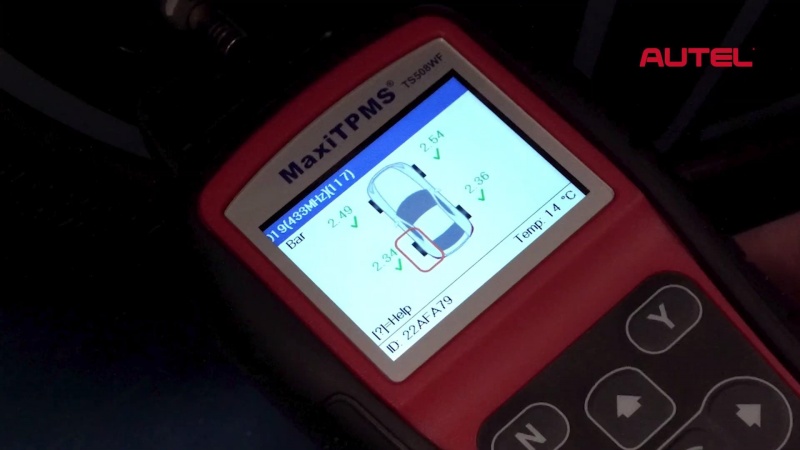
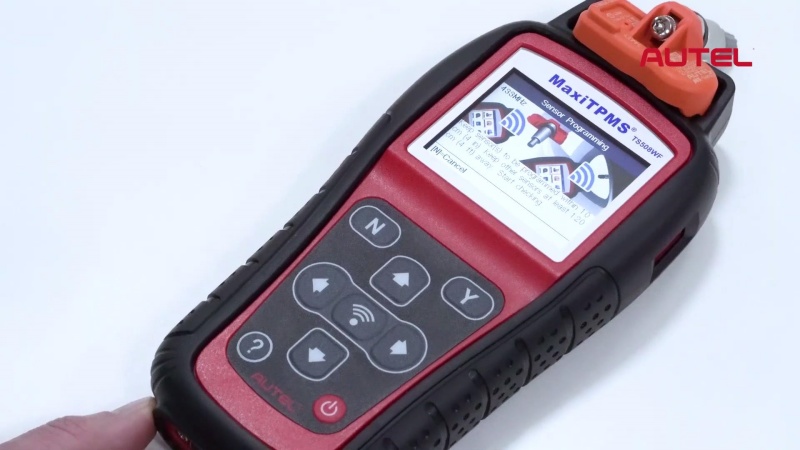
- Trigger Sensors: Place the tool near the valve stem and press the trigger button to wake up the sensor.
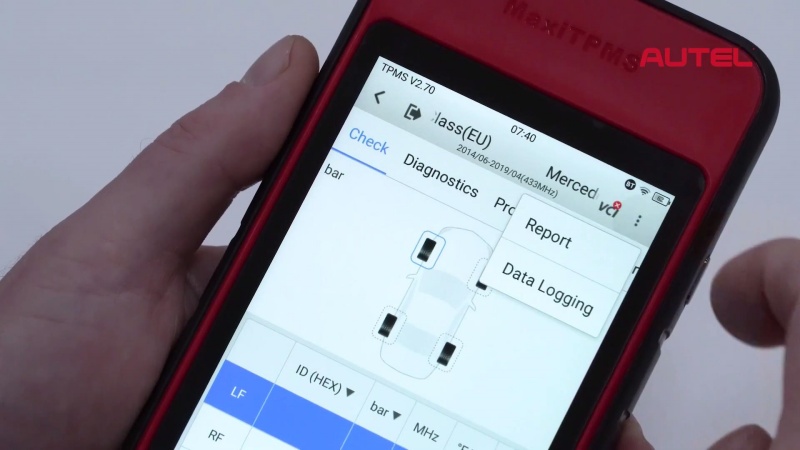
- Analyze Data: View live data including pressure, temperature, and battery life. A slow response or no communication indicates a low or flat battery.
2. Sensor Programming
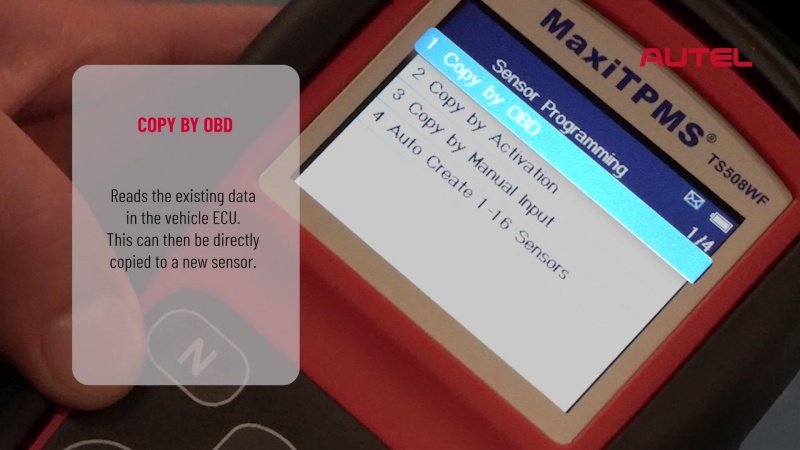
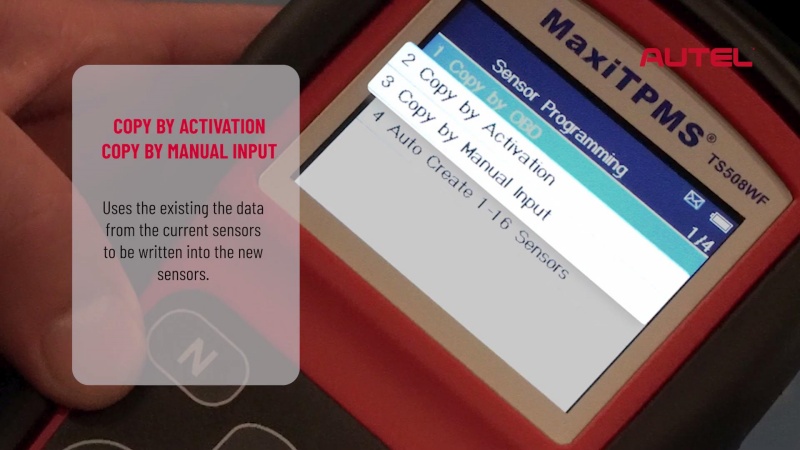
If a sensor is faulty, program a new Autel MX-Sensor using one of four methods:
- Copy by OBD: Directly copy ID data from the vehicle’s ECU to the new sensor.
- Copy by Activation: Trigger the old sensor to retrieve its ID and write it to the new one.
- Manual Input: Manually type in a known sensor ID.
- Auto Create: Generate new random IDs for up to 16 sensors simultaneously.
3. Position Relearn
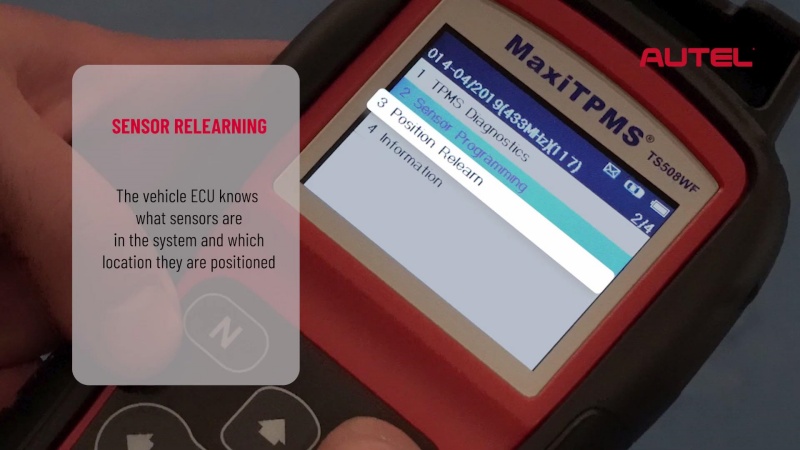
After replacing sensors or rotating tires, perform a relearn to update the ECU:
- OBD Relearn: Connect the tool to the OBD2 port and write the new sensor IDs and positions directly to the vehicle’s computer.
4. Professional Reporting
- Standard (TS508WF): Connect to a PC via USB to print or save a report for the customer.
- Cloud (ITS600): Generate a digital report on the tablet and upload it to the Autel Cloud for instant sharing via email.
Technical Pro-Tip: For modern vehicles with Security Gateways, use the ITS600. It features OEM authentication that allows the tool to bypass restrictions for seamless OBD2 relearns that entry-level tools cannot perform.
Contact Info:
Email: sales@AutelShop.de
Wechat/Whatsapp: +86-13429866263
Website: www.autelshop.de