Overview of the Procedure
- Vehicle: 2025 Nissan Xterra
- Primary Tool: Autel KM100E
- Scenario: All Smart Keys Lost (AKL)
- Objective: Program two new smart keys and verify operation
Step-by-Step Programming Guide
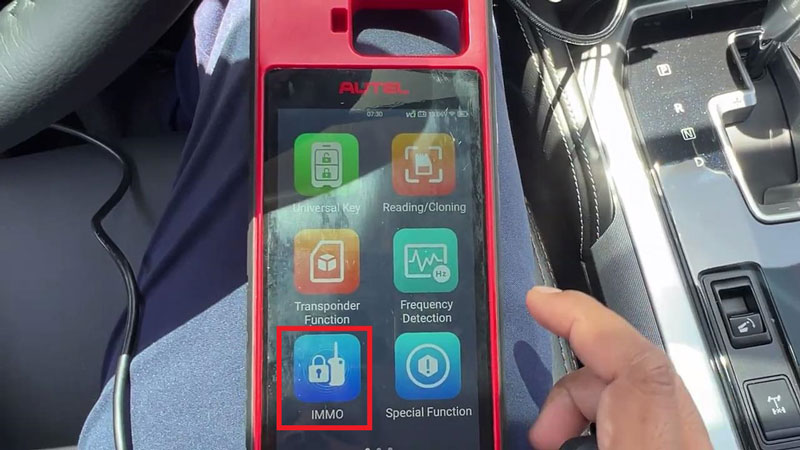
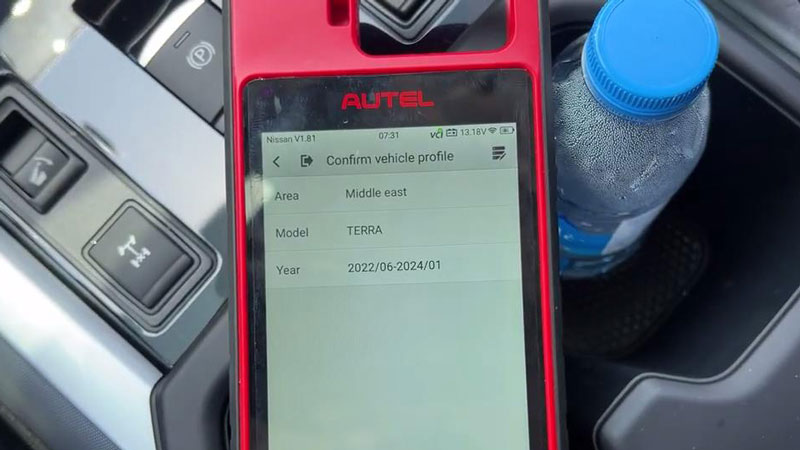
- Vehicle Selection: Connect the Autel KM100 to the OBDII port and navigate to:
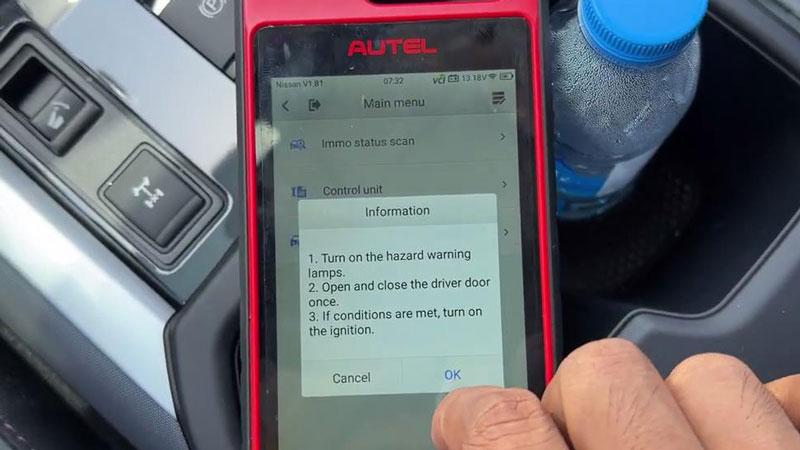
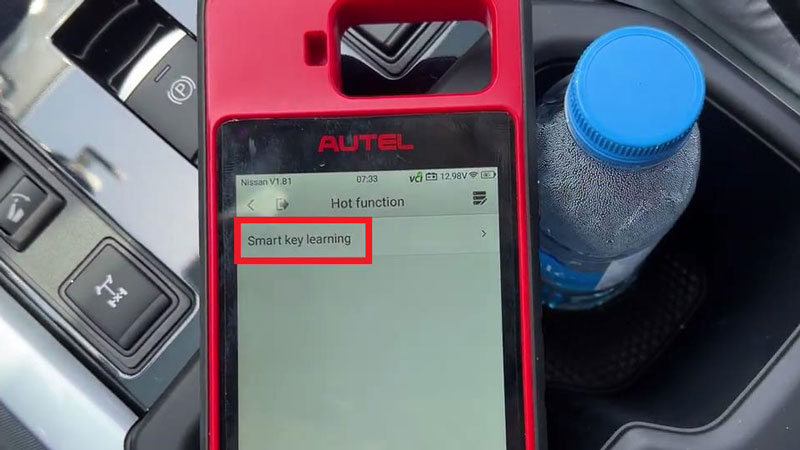
IMMO > Nissan > Manual Selection > Japan > TERRA > 2022/06-2024/01 >> Yes >> Hot function - System Prep: Turn on hazard lamps and open/close the driver door once to establish the correct communication environment.
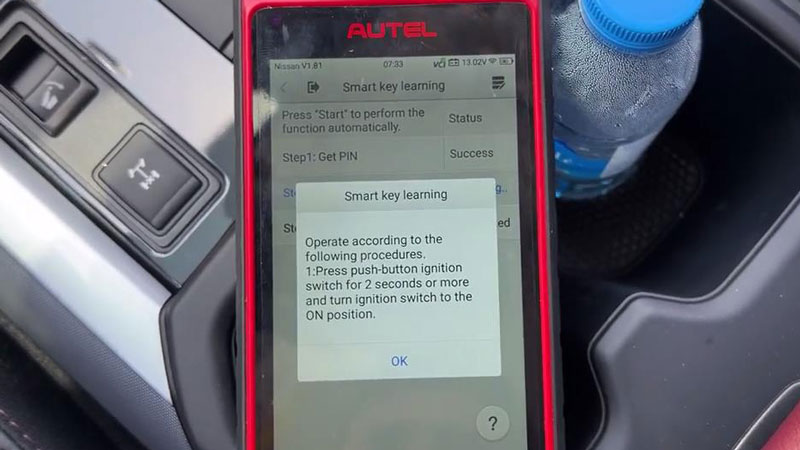
- Initiate Learning: Select “Smart Key Learning” to erase all lost keys from the vehicle’s memory.
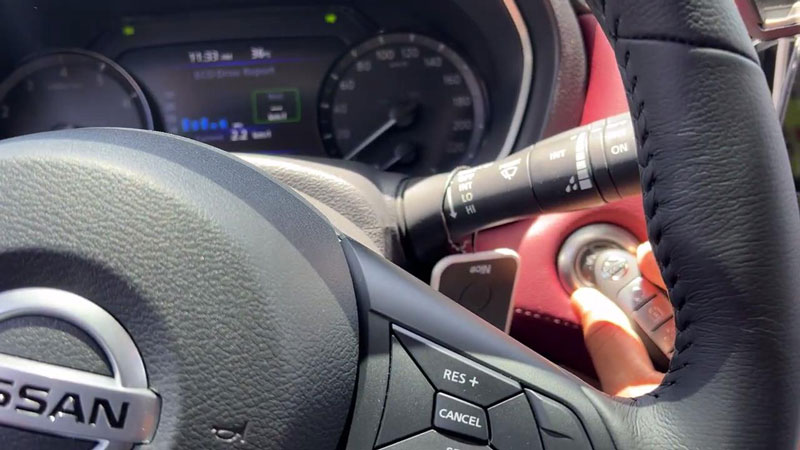
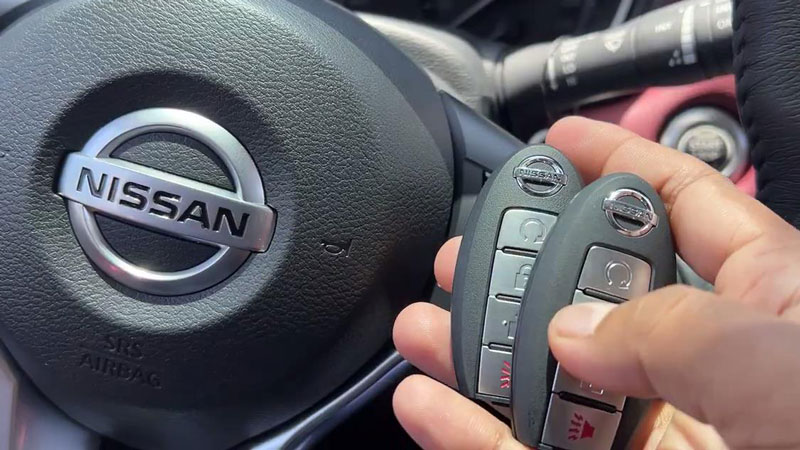
- Smart Key Sync: Press the push-button ignition for 2 seconds to turn it ON, then turn it OFF. Immediately attach the new smart key to the start button to trigger automatic instrument lighting and registration success.
- Sequential Programming: If adding multiple keys, follow the prompts to repeat the attachment process for each unit.
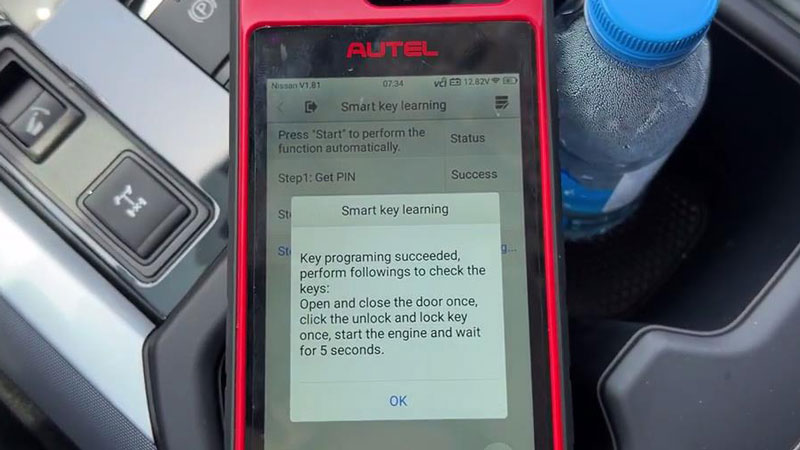
- Final Registration: After programming, turn the ignition OFF for 3 seconds. Attach the first learned key to the start button within 5 seconds to finalize the sequence.
- Functional Test: Verify the procedure by cycling the door locks and starting the engine for at least 5 seconds.
Why Choose the Autel KM100?
The Autel MaxiIM KM100 transforms complex Nissan immobilizer tasks into a simplified, guided experience. It is a critical investment for locksmiths aiming to maximize productivity with the latest 2025 vehicle models.
Contact Info:
- Email: sales@AutelShop.de
- Wechat: +86-13429866263
- Whatsapp: +86-13429866263
- Website: www.autelshop.de